A Google SEO checker tool for indexing tells you whether Google has stored a URL in its index. A URL that is not indexed cannot rank or earn organic traffic. Google Search Console is the authoritative free option. Free web checkers give fast spot-checks without logging in, and automated platforms such as Sight AI monitor your sitemap and push new URLs to search engines continuously. The right choice depends on how many URLs you publish and how often you need to verify them.
Creating stellar content is only half the battle: if Google doesn't know your pages exist, your SEO efforts are invisible. Checking manually is tedious, impractical for large sites, and often unreliable. A dedicated Google index checker moves beyond a simple yes or no. It gives you the visibility to diagnose indexing problems, verify your content strategy, and confirm that your work turns into results. For those building a stronger foundation, this comprehensive guide to SEO offers essential insights into the broader principles at play.
Below, we review the top 12 Google index checker tools, comparing their strengths, practical applications, and limitations. Before the reviews, a short section explains what these tools actually measure, so you can interpret their results correctly.
What a Google Index Checker Actually Measures
Most free checkers are not connected to Google's internal index data. They query Google with the site: or info: operator, or a scraped exact-URL search, and report whether the URL appears in the results. That approach has three practical consequences:
- False negatives are possible. A URL can be indexed yet fail to surface for a
site:query, especially on large sites or shortly after indexing. - Counts are estimates. The "About X results" figure for a
site:query is a rough approximation. It is not an audit-grade page count and can vary by tens of percent between queries. - No reason is given. A scraper can tell you a page is missing, but not why. The reason could be a
noindextag, a canonical pointing elsewhere, a robots.txt block, a soft 404, or "Crawled – currently not indexed."
Only Google Search Console's URL Inspection tool and Page indexing report return Google's own verdict and the reason behind it. Treat third-party checkers as fast triage tools, and confirm anything important in Search Console.
How to Check Whether a Page Is Indexed: A Quick Workflow
- Spot-check with a search operator. Search
site:example.com/your-page/in Google. If the URL appears, it is indexed. - Confirm in Search Console. Paste the URL into URL Inspection. "URL is on Google" is definitive. Otherwise, the report names the exclusion reason.
- Fix the blocker. Remove stray
noindexdirectives, correct canonical tags, unblock the path in robots.txt, and make sure the URL is listed in your XML sitemap and linked internally. - Request or trigger a recrawl. Use "Request indexing" in Search Console for individual URLs, or submit changes via IndexNow for engines that support it. Google does not consume IndexNow, so sitemaps and internal links remain the main signals for Google.
- Monitor at scale. For more than a few dozen URLs a week, use bulk or automated monitoring rather than one-by-one checks.
If pages stay undiscovered for weeks, the problem is usually crawl access rather than the checker. See our guide on how to get Google to crawl your site faster for the specific signals that speed up discovery.
1. Sight AI
Sight AI goes beyond a simple Google index checker and works as a comprehensive, automated indexing solution. It is designed for SEO professionals, agencies, and businesses that need more than status checks: they need proactive control over their site's visibility. The platform's core strength is automation. It monitors your sitemap and uses the IndexNow protocol to notify participating search engines, such as Bing, the moment content changes. Alongside this, it tracks Google indexing status, which removes much of the manual, time-consuming process of submitting URLs through Google Search Console.

This proactive approach helps new or updated content get crawled and indexed with minimal delay, which directly affects how quickly you can rank for new keywords. By keeping search engines informed of the most current version of your site, Sight AI helps accelerate crawl rates and improve organic search performance.
Key Strengths and Use Cases
Sight AI excels where content velocity is high, such as news sites, large e-commerce stores, and active blogs. Its real-time feedback is valuable for diagnosing why specific pages are not being indexed. The dashboard shows live indexing status, trend analytics, and key SEO metrics, so you can move from identifying a problem to resolving it quickly.
- Real-Time Sitemap Monitoring: Automatically detects and submits new URLs from your sitemap.
- IndexNow Protocol Integration: Pushes notifications to participating search engines for near-instant crawling.
- Data-Driven Analytics: The dashboard offers clear insights into indexing trends and performance metrics.
- Workflow Automation: Significantly reduces the manual workload of indexing management.
Practical Considerations
Users new to technical SEO may need a short period to get familiar with sitemap configuration before they can use the tool fully. Pricing details require a visit to the website, but a 14-day free trial is available, so you can assess the impact on your workflow without commitment. The trial is a practical way to see how automation changes your indexing strategy.
For a deeper look at the mechanics behind it, Sight AI explains how the technology works. You can explore how instant indexing works on Sight AI.io to see how it can benefit your SEO efforts.
2. Google Search Console
When you need the most accurate, direct-from-the-source indexing information, there is no substitute for Google Search Console (GSC). It is Google's own free service for webmasters and the ground truth for how the search engine sees and processes your website. It is an indispensable google index checker for any serious site owner, developer, or SEO professional.
What makes GSC unique is its direct line to Google's crawlers. Instead of inferring status, it tells you which pages are indexed, which have issues, and why. The URL Inspection tool gives granular detail on a single URL, including crawl history, the Google-selected canonical, and whether the page can be indexed. This removes the guesswork. The interface can be intimidating for novices, but its data depth is unmatched. You can learn more about using Google Search Console to check your index status and troubleshoot common problems.
Key Features & User Experience
- URL Inspection Tool: Provides a detailed report on a specific URL's index status directly from the Google Index, plus a live test of the current version.
- Page Indexing Report: Gives a site-wide view that splits pages into Indexed and Not indexed, with a specific reason for each exclusion. This report replaced the older Coverage report.
- Sitemap Submission: Lets you submit your sitemap directly to Google and monitor how it is processed.
Limitations worth knowing: URL Inspection is limited to a daily quota per property, report data lags by a few days, and you can only see properties you have verified. The URL Inspection API allows programmatic checks, also within a daily quota.
Access Requirement: Free to use, but you must verify ownership of your website property to access its data.
Website: https://search.google.com/search-console
3. Sitechecker
Sitechecker offers a versatile, user-friendly platform that combines a google index checker with a full suite of SEO auditing tools. It is designed for users who want more than a simple status check and gives a holistic view of a website's health and crawlability. The tool is good at quickly identifying not just whether a page is indexed, but also why it might be having trouble.
What makes Sitechecker particularly effective is its unified dashboard, which presents complex data in an easy-to-digest format. It goes beyond a binary indexed or not-indexed result by flagging specific technical issues, such as broken links, noindex tags, or canonicalization errors, that directly affect Google's ability to process your pages. This lets users take immediate, actionable steps. If you want to manage your site's relationship with Google crawlers more proactively, it helps to learn about improving your site's crawl frequency and efficiency.

Key Features & User Experience
- Instant Index Checks: Quickly verify the indexing status of any URL in real time.
- Identification of Indexing Issues: Automatically scans for and reports common problems that prevent pages from being indexed.
- Continuous Tracking and Alerts: Set up ongoing monitoring and receive alerts if a page's index status changes unexpectedly.
Access Requirement: A free version covers basic checks. Comprehensive features such as continuous tracking and detailed site audits require a paid subscription.
Website: https://sitechecker.pro/google-index/
4. Small SEO Tools
If you need a quick, no-frills way to check a single page, Small SEO Tools offers a straightforward and accessible google index checker. It is part of a larger collection of free SEO utilities and is built for speed and simplicity. It suits bloggers, content marketers, and site owners who want to spot-check a new blog post or landing page without logging into a comprehensive platform.
Its main appeal is immediacy. You don't need to create an account or verify site ownership: paste a URL and get an instant "Indexed" or "Not Indexed" status. It lacks the deep diagnostic data of tools like Google Search Console, but it works well as a quick verification tool. It is also a good entry point for understanding how indexing relates to other SEO activities, such as using a free pinging service to notify search engines of new content.

Key Features & User Experience
- Simple Interface: A clean, single input field for your URL returns an immediate result.
- No Registration Required: Completely free and accessible without any sign-up process.
- Part of a Larger Suite: Sits alongside dozens of other SEO tools for tasks like plagiarism checking and backlink analysis.
Access Requirement: Free to use, with no registration or website verification needed. It is limited to checking one URL at a time.
Website: https://smallseo-tools.com/google-index-checker
5. SEO Tools Centre
If you need a quick indexing check without registration or software installation, SEO Tools Centre offers a straightforward solution. This web-based tool is built for speed and simplicity, which makes it a good google index checker for spot-checking a few URLs on the fly. You enter a domain, and it returns the total count of indexed pages according to Google's site: search operator, giving you an immediate snapshot of your site's indexing footprint.

What makes this tool stand out is its accessibility. There are no logins, no project setups, and no costs. That makes it useful for a quick audit before a client meeting or for a fast benchmark of a competitor's site. It lacks the diagnostic power of tools like GSC, and because the figure comes from a site: query, treat it as a rough estimate rather than an exact count. Its value lies in instant, hassle-free results. It does one job, checking the indexed page count, and does it efficiently.
Key Features & User Experience
- Instant Index Count: Provides a rapid estimate of how many of a website's pages are in the Google index.
- No Registration Required: Fully open access lets anyone use the tool without creating an account.
- Simple Interface: A single input field and a button make it easy for users of any skill level.
Access Requirement: Free to use, with no registration or verification needed.
Website: https://seotoolscentre.com/google-index-checker
6. H-Supertools
If you want a straightforward, completely free tool, H-Supertools offers a reliable and user-friendly google index checker bundled with a suite of other SEO utilities. It is especially useful for quick, ad-hoc checks without the commitment of a paid subscription or the complexity of a tool like Google Search Console. It gets straight to the point and returns a clear "Indexed" or "Not Indexed" status for each URL you submit.
What sets H-Supertools apart among free tools is batch processing. You can check up to 20 URLs at once, a feature often reserved for premium tools. That makes it efficient for bloggers or small business owners who need to verify a new batch of content or quickly audit their most important pages. It lacks the deep diagnostic data of more advanced platforms, but its simplicity is its greatest strength. You can discover more about how search engine indexing works to understand the data these checks return.
Key Features & User Experience
- Batch URL Checking: Analyze the Google index status of up to 20 URLs in a single submission.
- Real-Time Status: Provides an immediate, current check on whether a page is present in Google's index.
- Simple Interface: Very easy to use: copy, paste, and click to get results.
Access Requirement: Free to use. Some features on the broader site may require registration, but the index checker is openly accessible.
Website: https://hsuper.tools/google-index/
7. Mini SEO Tools
When you need an immediate answer without logging into a complex platform, Mini SEO Tools offers a very straightforward solution. It is designed for simplicity and speed, which makes it a good google index checker for quick, on-the-fly verification. It suits users who need to check the status of a single URL and don't require the deep analytics of more comprehensive suites.
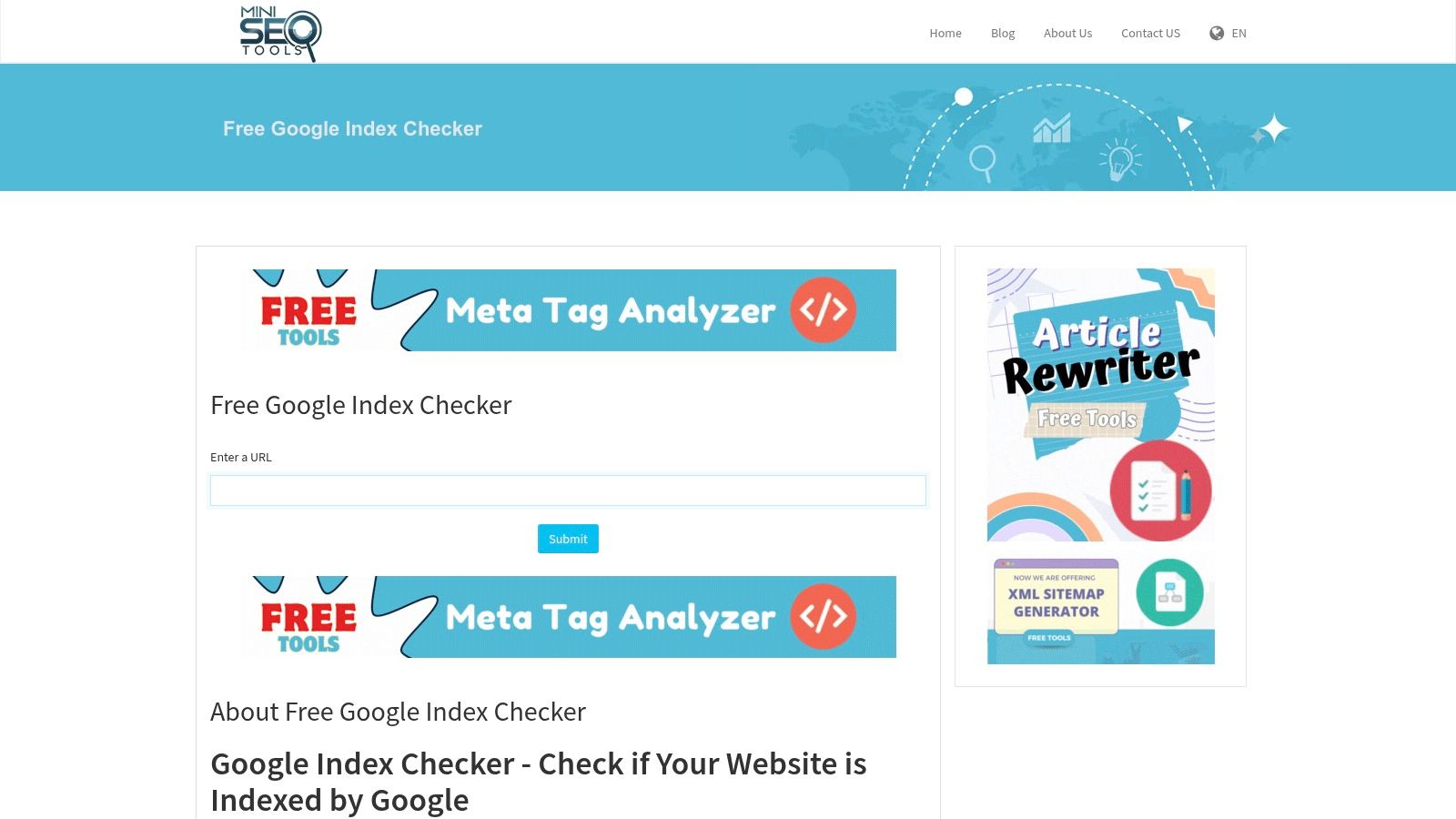
What sets Mini SEO Tools apart is the complete lack of barriers. You don't need to register, sign in, or verify ownership. You paste your URL, complete a captcha, and get an instant indexed or not-indexed status. That makes it handy for checking competitor pages or spot-checking a new blog post. It lacks the bulk processing and detailed reporting of paid tools, but accessibility and immediate feedback are its core strengths.
Key Features & User Experience
- Instant Verification: Returns a simple, immediate "Indexed" or "Not Indexed" result for any submitted URL.
- No Registration Required: Completely free and open, with no account or website verification needed.
- Simple Interface: A clean, uncluttered experience focused only on running the index check quickly.
Access Requirement: Free to use, with no registration or login needed.
Website: https://miniseotools.com/google-index-checker
8. SmallWebTools
If you need a quick answer to a simple question, SmallWebTools offers a refreshingly direct google index checker. It is part of a larger suite of free SEO utilities, built for users who want immediate results without the complexity of a full analytics platform. Think of it as a litmus test: a fast, simple way to confirm whether a specific URL is in Google's index.
Its main appeal is simplicity and accessibility. There is no registration, no paywall, and no learning curve. You paste a URL, solve a captcha, and get an instant "Indexed" or "Not Indexed" status. It lacks the diagnostic depth of tools like Google Search Console, but it works well for spot-checks: verifying new content, checking a competitor's page, or running a quick audit on a handful of URLs one by one.

Key Features & User Experience
- Single URL Check: Checks one URL at a time for maximum speed and simplicity.
- Instantaneous Results: Delivers a clear indexed or not-indexed status right after submission.
- No Registration: Completely open, with no account or sign-in required.
Access Requirement: Free to use, with no registration or website ownership verification needed.
Website: https://smallwebtools.net/google-index-checker
9. SEOToolsPark
SEOToolsPark offers a straightforward, accessible suite of tools that includes a highly functional google index checker. It is designed for users who need quick answers without registering or paying. The platform bundles its index checker with a range of other on-demand SEO utilities, which makes it a convenient one-stop shop for basic SEO spot-checks.
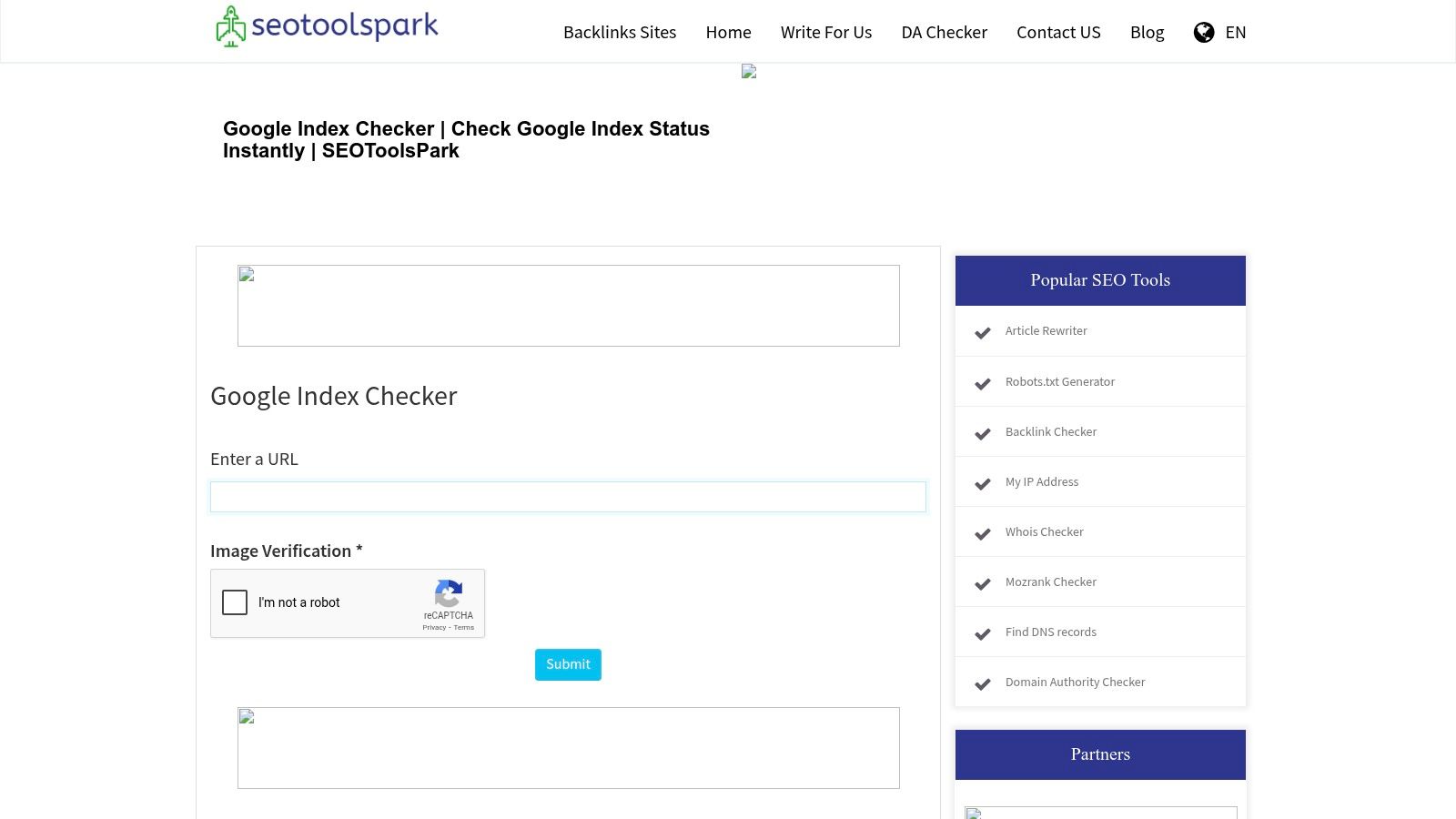
What makes SEOToolsPark appealing is its simplicity and speed. You can paste up to 10 URLs at a time and get their Google index status almost instantly. This is useful for bloggers or small business owners who want a quick health check on a new batch of posts or product pages. It lacks the deep analytics of a platform like GSC, but its user-friendly interface and immediate results make it a good tool for quick, high-level assessments.
Key Features & User Experience
- Bulk URL Checking: Check the index status of up to 10 URLs at once.
- Integrated SEO Toolkit: The checker is part of a larger collection of free SEO tools, from backlink checkers to keyword position tools.
- No Registration Needed: Gives immediate access without an account, which keeps checks private and fast.
Access Requirement: Free to use. Some advanced features on the broader site may require registration, but the core index checker is open.
Website: https://www.seotoolspark.com/google-index-checker
10. SEO Magic! Tools
If you need a quick spot-check without any commitment, the google index checker from SEO Magic! Tools is a solid option. It is part of a broader suite of free SEO utilities and stands out for its simplicity and accessibility. It is built for users who need immediate answers for a small batch of URLs and don't want to sign up for an account or verify a domain.
The tool's main strength is straightforward functionality. You can paste up to five URLs and get their indexing status almost instantly. That makes it useful for a quick audit after a content push or for checking a competitor's newly published pages. It lacks the deep analytics of a premium service, but its "get in, get out" approach is a real advantage for fast-paced SEO tasks. The clean interface means even beginners can use it without a learning curve.
Key Features & User Experience
- Batch URL Checking: Check the Google index status of up to 5 URLs in a single query.
- No Registration: Completely free, with no account or personal information required.
- Instant Results: Processes requests quickly and returns an immediate "Indexed" or "Not Indexed" status for each URL.
Access Requirement: Free to use. No registration or website verification is necessary.
Website: https://app.contentmarketingmagic.co/google-index-checker
11. AMP Digital SEO Tools
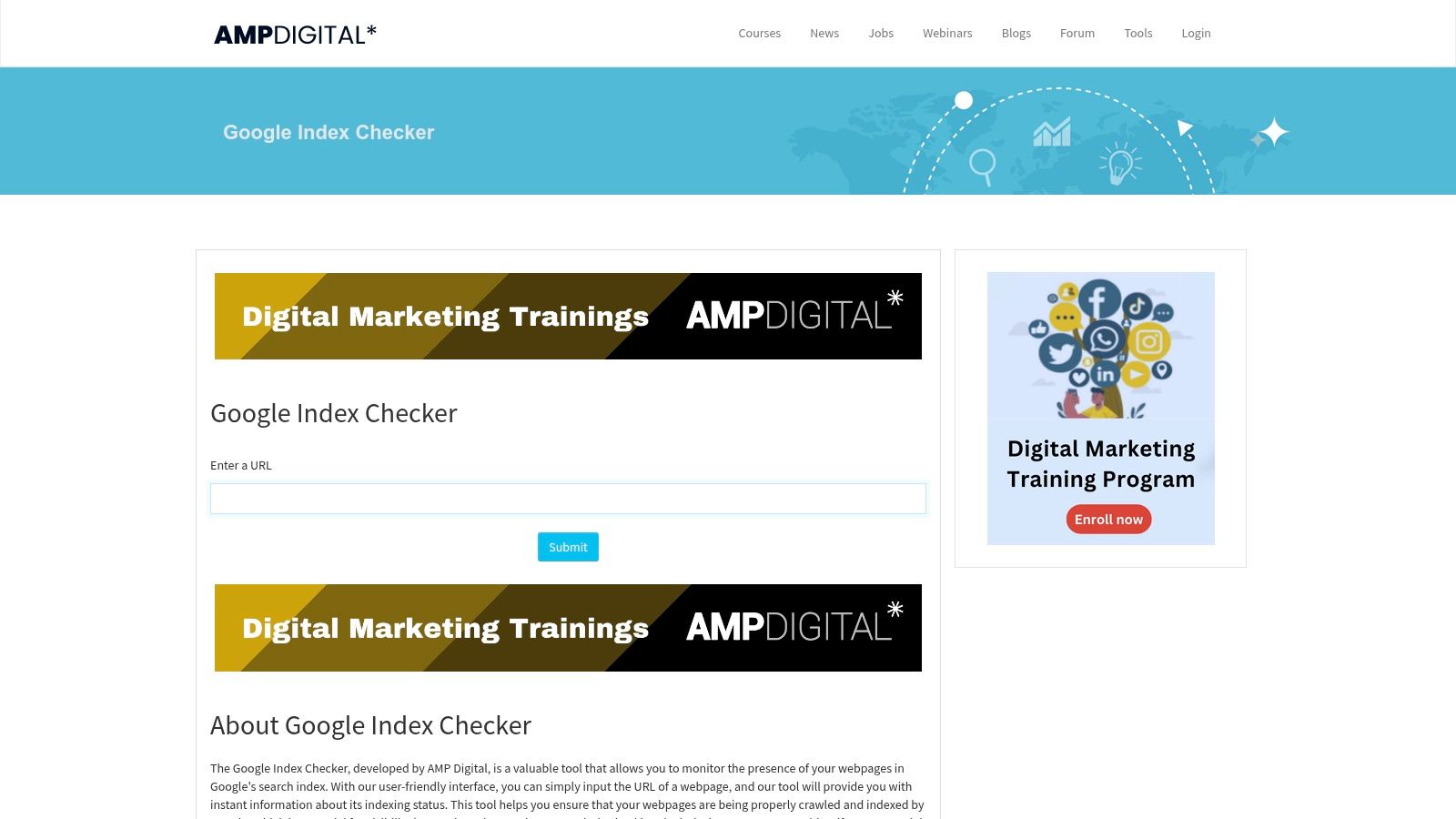
If you need a rapid status check, AMP Digital SEO Tools offers a refreshingly simple google index checker. The tool is part of a larger, free suite of SEO utilities, but its main appeal is straightforward functionality. There is no registration or complex setup: you enter a URL and get an immediate indexed or not-indexed result. It is a quick spot-check for when you need a fast answer without the overhead of a full SEO platform.
The tool stands out for accessibility and ease of use. It lacks the deep analytics of platforms like Google Search Console because it serves a different purpose. It is built for the content marketer or site owner who wants to confirm quickly whether a newly published blog post or an important landing page has made it into Google's index. Its "one-and-done" approach makes it an efficient utility to keep bookmarked for quick verification.
Key Features & User Experience
- Simple Interface: A single input field makes quick checks very easy.
- No Registration: Use the tool immediately, with no account or personal information required.
- Instant Results: Returns a clear, binary (indexed/not indexed) result in seconds.
Access Requirement: Completely free, with no limits or required sign-up. The main constraint is that it checks only one URL at a time.
Website: https://seotools.ampdigital.co/en/google-index-checker
12. Nine Tools
If you want a quick google index checker without registration or complex interfaces, Nine Tools offers a refreshingly simple solution. It is part of a larger suite of free SEO utilities, and its index checker stands out for its directness. You enter a URL, solve a CAPTCHA, and immediately see whether the page is in Google's index. That makes it a good choice for quick, on-the-fly verification.
What makes Nine Tools worth bookmarking is its accessibility and speed. It lacks the bulk processing and detailed diagnostics of more advanced platforms, but it handles instant checks well. It suits content creators double-checking a new blog post, or an SEO checking a single problematic URL. Its simplicity is its core strength: a clean experience for one specific task.
Key Features & User Experience
- Instant Verification: Returns a simple "indexed" or "not indexed" status almost immediately after submission.
- No Registration: Completely free and open, with no account creation or login required.
- Simple Interface: A minimalist design built around the input field and the result.
Access Requirement: Completely free, with no registration required. Limited to checking one URL at a time.
Website: https://www.ninealert.com/google-index-checker
12 Google Index Checker Tools Comparison
| Product | Core Features | User Experience / Quality Metrics | Value Proposition | Target Audience | Price Point |
|---|---|---|---|---|---|
| Sight AI | Real-time sitemap monitoring, automated URL submission via IndexNow | Intuitive dashboard, live indexing status, SEO metrics, trend analysis | Automates indexing, accelerates crawl rates, reduces manual SEO work | Marketers, agencies, businesses, developers | Trial available; pricing not upfront |
| Google Search Console | Sitemap submission, indexing status with reasons, performance analytics | Direct Google insights, comprehensive data | Free tool with official backend data | Website owners, SEO specialists | Free |
| Sitechecker | Instant index checks, continuous tracking | User-friendly, unified dashboard | SEO auditing with actionable fixes | SEO professionals, businesses | Some paid features |
| Small SEO Tools | Quick Google index checks, no registration | Simple interface, fast results | Free quick checks with additional SEO tools | Casual users, small websites | Free |
| SEO Tools Centre | Indexed page count estimate, no registration required | User-friendly, instant results | Free tool to audit indexed pages | Website owners | Free |
| H-Supertools | Real-time status, batch checks (up to 20 URLs) | User-friendly, detailed reports | Comprehensive analysis with batch support | Marketers, SEO professionals | Free; registration for advanced features |
| Mini SEO Tools | Quick index checks, no registration | Easy to navigate, instant results | Free simple Google index verification | Casual users | Free |
| SmallWebTools | Fast index check, user-friendly | Instant results, no registration | Free tool for auditing indexed pages | Website owners, marketers | Free |
| SEOToolsPark | Bulk URL checking (up to 10), SEO tool integration | User-friendly, comprehensive analysis | Free SEO toolkit with bulk URL check | SEO professionals, agencies | Free; registration for advanced features |
| SEO Magic! Tools | Batch URL checks (up to 5 URLs) | Easy to navigate, immediate results | Free batched checks in SEO utilities | Casual users, small teams | Free |
| AMP Digital SEO Tools | Simple Google index checks, no registration | Easy to navigate, quick results | Free tool integrated in SEO suite | Website owners | Free |
| Nine Tools | Fast verification, no registration | Simple interface, immediate results | Free Google index verification | Casual users, small websites | Free |
Choosing the Right Tool to Master Your Indexing Strategy
The right Google index checker depends on your operational scale, technical needs, and strategic goals. The options above range from the foundational insights of Google Search Console to the simple, on-the-fly verification of free tools like Small SEO Tools and H-Supertools. These free options are useful for quick, isolated checks and for anyone starting to understand their site's indexing status.
For professionals whose revenue and brand visibility depend on timely content discovery, a more systematic approach is necessary. Relying only on manual checks or basic tools creates a reactive, inefficient workflow, and this is where automated platforms show their value. Treat indexing as an active, strategic task rather than a passive technical chore. Your content's path to the top of the SERPs starts with confirming that Google has seen and stored it.
Matching the Tool to Your Needs
To decide confidently, start with your primary use case. Are you a blogger confirming that a handful of new posts are indexed each week? Or are you managing a large e-commerce site with thousands of product pages that change daily?
- For Occasional, Low-Volume Checks: Free tools like Sitechecker or SEO Tools Centre are perfectly adequate. They give instant feedback without financial commitment and work well for spot-checking a new page or diagnosing a specific URL's issue.
- For Agencies and In-House SEO Teams: A combined approach usually works best. Google Search Console remains your source of truth for direct-from-Google data. You can supplement it with a premium, automated google index checker like Sight AI to handle high URL volumes and provide continuous monitoring, which frees up team time.
- For Content-Heavy and E-commerce Sites: Automation is a necessity, not a luxury. Manually checking hundreds or thousands of URLs is unsustainable. An automated system submits every new product, blog post, or landing page and tracks its indexing status, closing the gap between publishing and ranking.
Indexing and ranking are separate questions. A Google index checker confirms that a page is eligible to appear. To see where it actually ranks and how positions change over time, you need a rank tracker. Our comparison of the best rank checking software for Google and AI search positions covers that half of the workflow.
A dedicated google index checker is crucial for this specific task, but a holistic SEO strategy involves a broader toolkit. External resources can offer useful comparisons of various top SEO tools for ranking that can improve your overall site visibility. Integrating a capable indexing tool into your wider SEO software stack makes your digital marketing more cohesive and effective. Choose a tool that strengthens your strategy, not one that just adds another dashboard to your bookmarks.
Frequently asked questions
Is there a free Google SEO checker tool for indexing?
Yes. Google Search Console is free and the most reliable option because it reports Google's own index data and the reason a page is excluded. You need to verify site ownership first. For pages you don't own, free web checkers such as Small SEO Tools, H-Supertools, or SEOToolsPark give instant results without an account. They rely on search operators, though, so confirm surprising results in Search Console.
Why does a checker say my page is not indexed when it is?
Most third-party checkers run a site: or exact-URL query against Google and report whether the URL shows up. Freshly indexed URLs, URLs on very large sites, and URLs with parameters sometimes don't surface for those queries, which produces false negatives. The URL Inspection tool in Search Console is definitive. If it says "URL is on Google," the page is indexed regardless of what other tools report.
Can an index checker track changes in my Google rankings?
No. Index checkers only confirm whether a page is in Google's index, not where it ranks. To monitor ranking changes, use Search Console's Performance report, which shows average position by query and page, or a dedicated rank tracker that records daily positions per keyword. See the rank-tracking section above for options that also cover AI search results.
How long does it take Google to index a new page?
It ranges from a few hours to several weeks. Discovery speed depends on internal links, sitemap inclusion, site authority, and crawl demand. Requesting indexing through Search Console's URL Inspection tool can shorten the wait for individual URLs, but it does not guarantee indexing. Pages Google judges thin or duplicative may remain "Crawled – currently not indexed" until their quality or uniqueness improves.
Ready to stop guessing and start guaranteeing your content gets seen? Move beyond manual checks and put your indexing on autopilot with Sight AI. Try Sight AI today and ensure your valuable content is always in the race, not waiting on the sidelines.