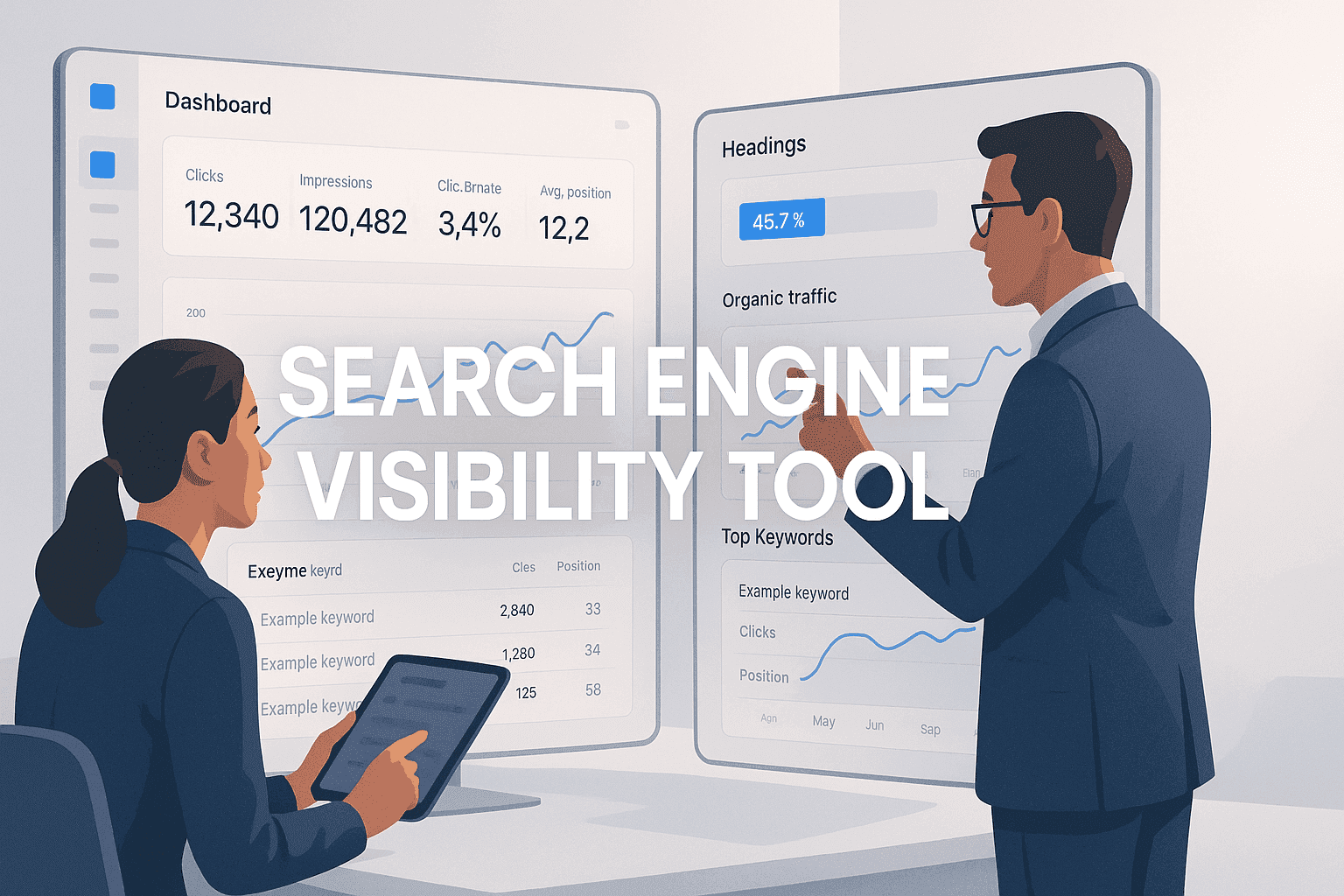
A search engine visibility tool measures how often and how prominently your pages appear in search results for the keywords that matter to you. It usually reports this as a visibility score: your rankings weighted by search volume and expected click-through rate. For most sites, the practical stack is free Google Search Console for indexing and real impression data, a rank tracker such as Semrush, Ahrefs or Moz Pro for a visibility score, and a crawler such as Screaming Frog for technical issues that block visibility.
Below are six tools compared by what they measure, who they suit and what they cost. After that, a step-by-step method to check your own search engine visibility and read the score correctly.
Quick comparison
| Tool | Best for | Visibility metric | Free option |
|---|---|---|---|
| Sight AI | Indexing automation, content and AI search visibility | Keyword rankings plus AI visibility tracking | Free trial |
| Semrush | All-in-one SEO and competitor tracking | Position Tracking "Visibility" % | Limited free account |
| Moz Pro | Beginner to intermediate SEO | Campaign "Search Visibility" score | Free trial |
| Ahrefs | Backlinks and in-depth audits | Rank Tracker "Share of Voice" | Ahrefs Webmaster Tools (verified sites) |
| Google Search Console | Real Google impressions, clicks and indexing | Impressions, average position, CTR | Fully free |
| Screaming Frog SEO Spider | Technical audits and crawling | None directly; finds blockers | Free up to 500 URLs |
1. Sight AI
Best for: Automating search engine indexing and content optimization.
Sight AI is an AI-powered content engine that uses specialized AI agents to generate, SEO-optimize, and publish high-quality, on-brand articles directly to your CMS, ensuring fast indexing by search engines.
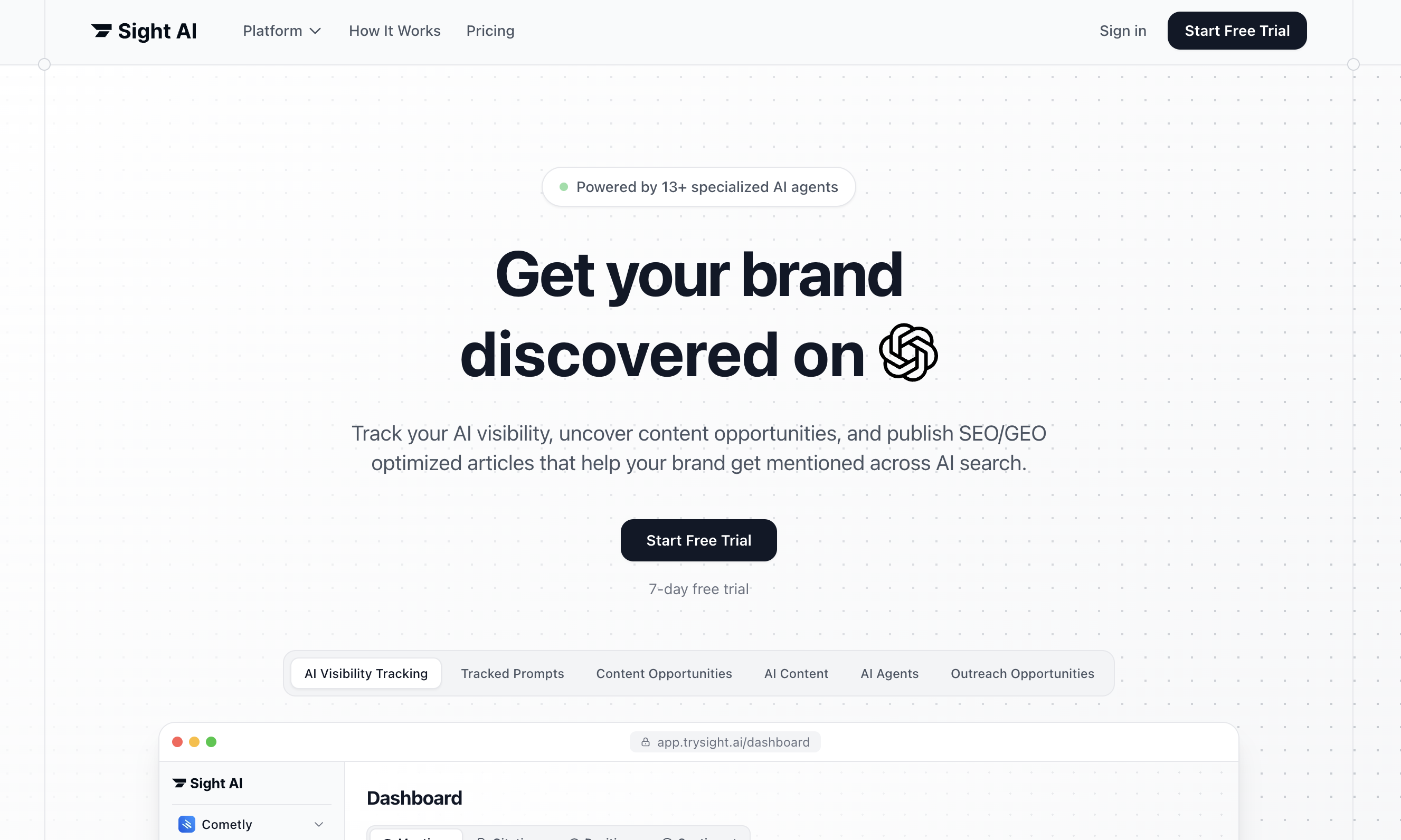
Sight AI focuses on streamlining your indexing process and maximizing content relevance. Its automation capabilities allow users to optimize their content without manual intervention. For more insights on using content writing for organic SEO softwares, check out our guide.
Overview & Background: Sight AI is designed to simplify the content creation and SEO optimization process. By utilizing AI agents, it can generate articles that are both engaging and optimized for search engines, making it a powerful tool for marketers and SEO teams alike. It also tracks how your brand appears in AI answers (ChatGPT, Perplexity, Google AI Mode), a layer of visibility that classic rank trackers do not measure.
Key Features:
1. AI Content Generation: This feature allows users to create content that aligns with their brand voice, significantly reducing the time spent on writing.
2. SEO Optimization Tools: Automatically applies essential SEO elements like meta tags and internal links to enhance search visibility.
3. Indexing Automation: Notifies search engines about new content, expediting the indexing process.
How It Works: Users can input their desired topics, and Sight AI’s AI agents will generate a complete article tailored to their specifications. The built-in SEO tools ensure that the content is optimized for search engines upon publication.
Pricing & Plans: Sight AI offers various pricing tiers to accommodate different user needs, making it accessible for businesses of all sizes.
Why It's Great for Marketers: This tool is ideal for marketers looking to save time on content creation while ensuring that their articles are optimized and indexed quickly.
2. SEMrush
Best for: Comprehensive SEO analysis and competitor tracking.
SEMrush provides extensive tools for SEO and online marketing, making it a popular choice among digital marketers.
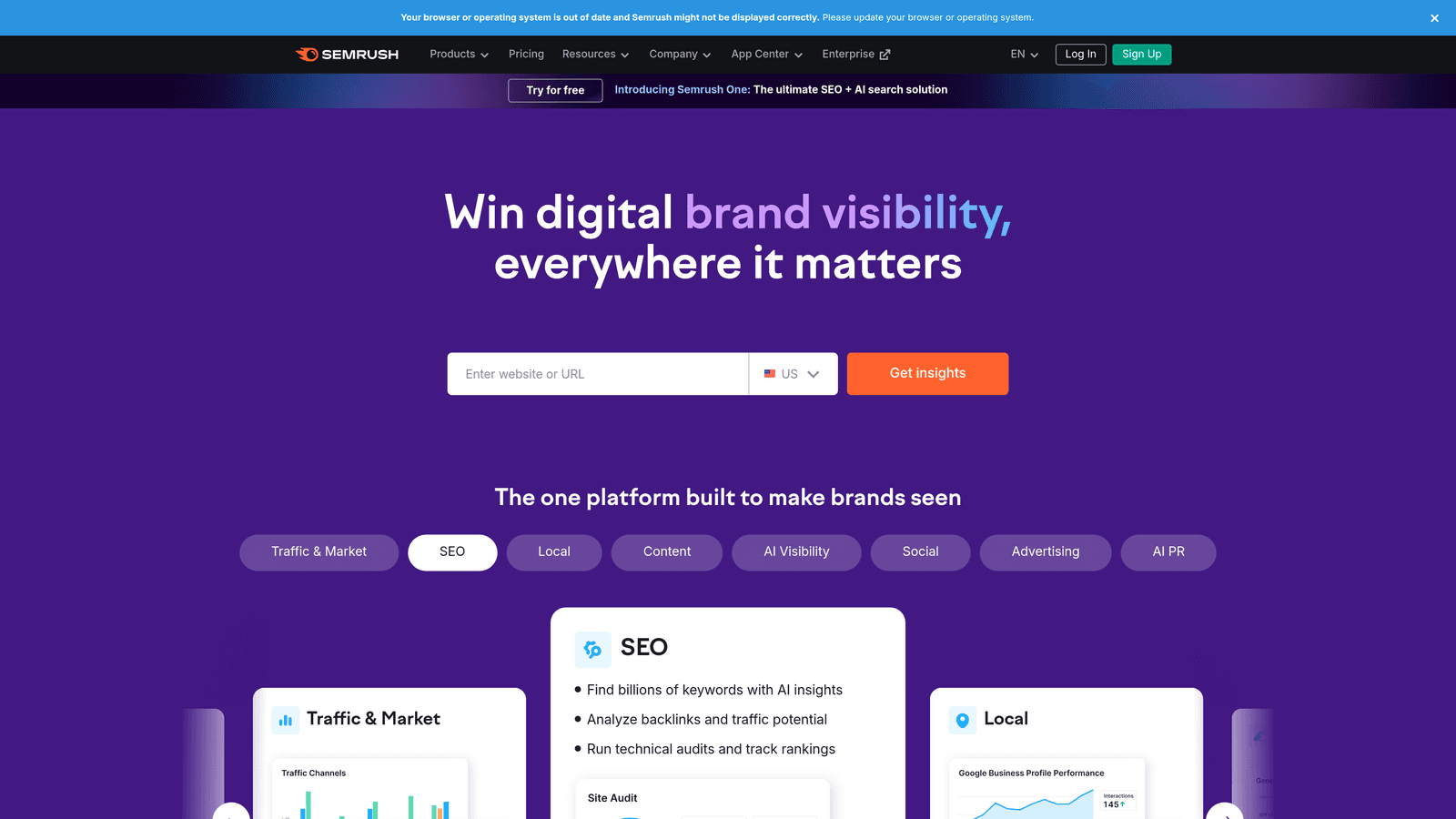
SEMrush offers a robust suite of features that allow users to track their SEO performance, conduct keyword research, and analyze competitors. You might also want to explore our insights on SEO content tools for more information.
Overview & Background: Established as a leader in the SEO tools market, SEMrush is known for its comprehensive analysis capabilities and user-friendly interface.
Key Features:
1. Site Audits: Regular audits help identify issues that could negatively impact search visibility.
2. Backlink Analysis: Users can track their backlink profile and see how it compares to competitors.
3. Keyword Tracking: Position Tracking monitors rankings over time and reports a Visibility percentage: 0% means none of your tracked keywords rank in the top 100, 100% means all of them hold position 1.
How It Works: SEMrush combines its own keyword database with the campaigns you configure. You create a project, add target keywords and competitors, and track visibility and share of the SERP over time.
Pricing & Plans: SEMrush offers several subscription plans, catering to different levels of usage from individuals to large enterprises. A free account allows a small number of daily queries.
Why It's Great for Businesses: This tool is perfect for small to large businesses looking for in-depth insights into their SEO performance and that of their competitors.
3. Moz Pro
Best for: Beginner to intermediate SEO with a user-friendly interface.
Moz Pro offers a suite of tools to facilitate SEO efforts and boost search rankings.
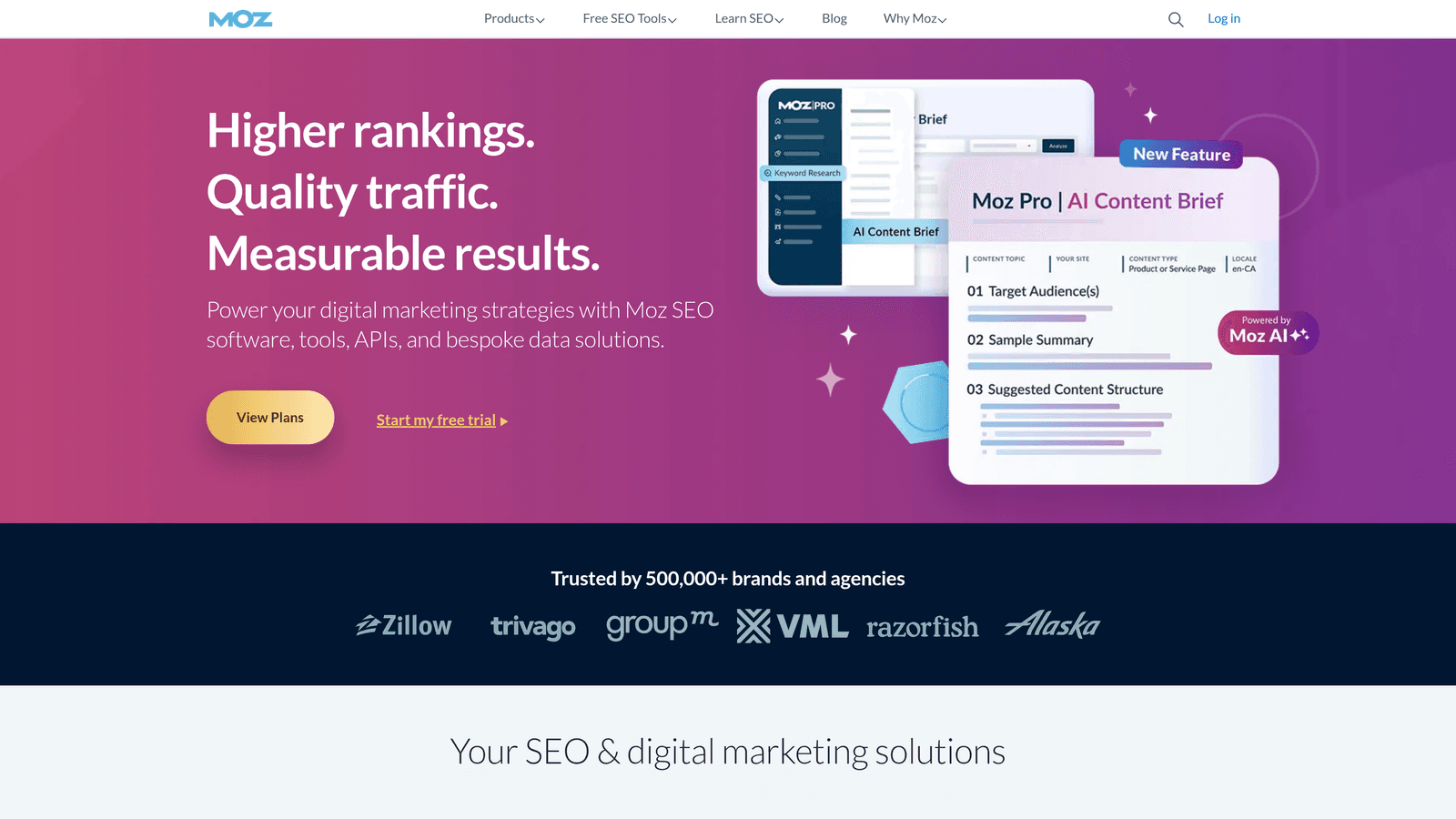
Moz Pro is particularly known for its easy-to-use interface and strong community support, making it ideal for those new to SEO. For understanding organic search keywords, refer to our comprehensive guide.
Overview & Background: Moz has established itself as a go-to resource for SEO education and tools, helping users understand and improve their search engine visibility.
Key Features:
1. Page Optimization Tools: These tools provide actionable recommendations to improve individual page rankings.
2. Rank Tracking: Monitor how your site ranks for chosen keywords over time, rolled up into a Search Visibility score for each campaign.
3. Keyword Research Tools: Identify new keywords to target based on current trends and search volume.
How It Works: Users can input their website and target keywords to receive tailored optimization suggestions and track rankings on a weekly cadence.
Pricing & Plans: Moz Pro offers competitive pricing tailored for different user types, making it accessible for small business owners and bloggers.
Why It's Great for Beginners: This tool provides excellent resources and community support, making it easy for those new to SEO to get started.
4. Ahrefs
Best for: In-depth backlink analysis and SEO audits.
Ahrefs is renowned for its extensive data and analytics capabilities.
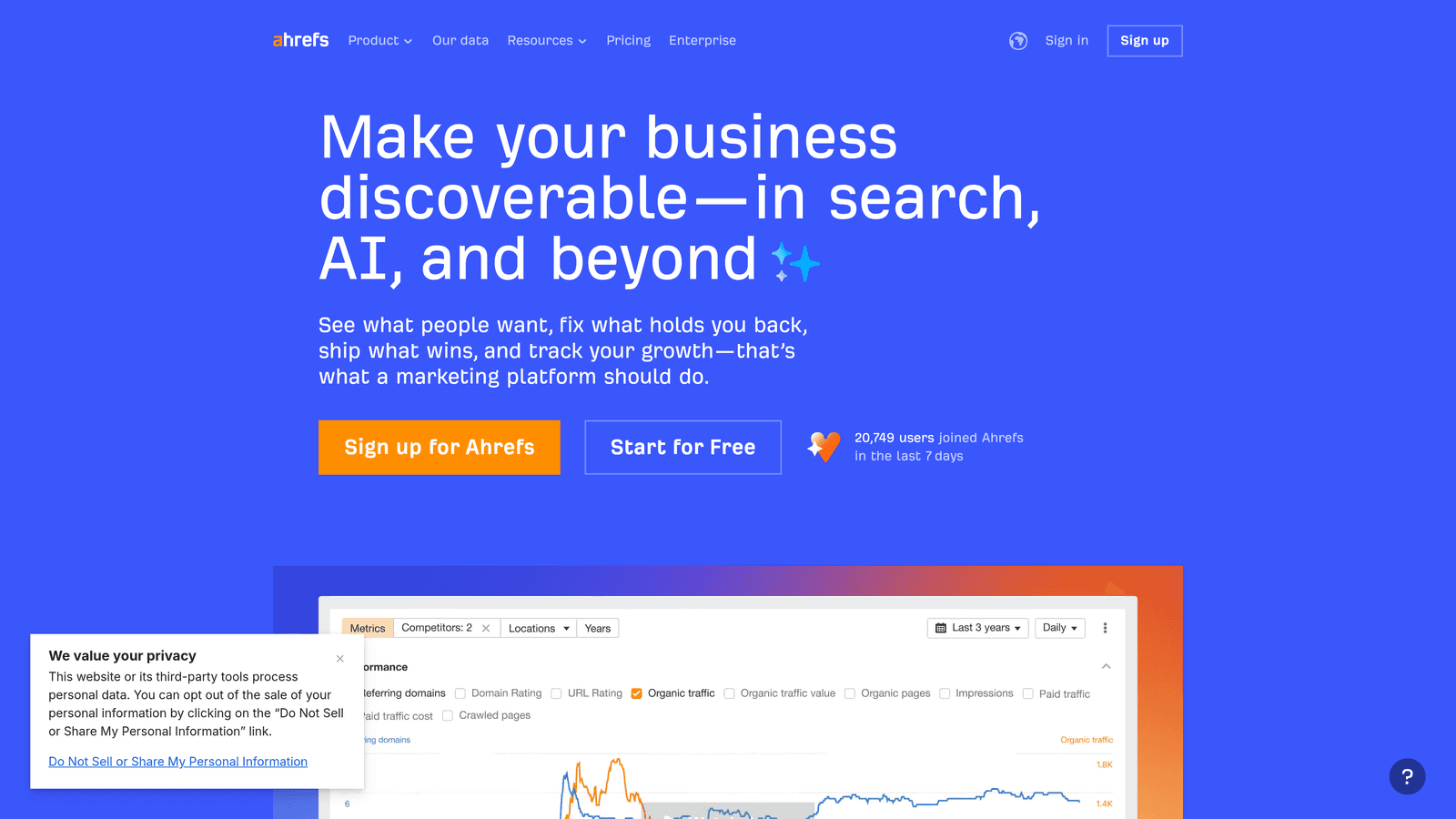
Ahrefs is particularly powerful for users focused on backlink analysis, helping them understand their site’s authority and how to improve it. You can also learn about SEO content software to further enhance your strategies.
Overview & Background: Ahrefs has built a reputation for its comprehensive tools that provide insights into all aspects of SEO.
Key Features:
1. Keyword Research: Use Ahrefs to identify high-potential keywords that can drive traffic to your site.
2. Site Audits: Perform detailed audits to uncover technical issues affecting SEO performance.
3. Rank Tracker and Share of Voice: Track keyword positions and see what share of estimated clicks for your keyword set goes to you versus competitors.
How It Works: Ahrefs crawls the web to provide users with detailed analytics about their site and their competitors, allowing for informed strategic decisions.
Pricing & Plans: Ahrefs offers various paid plans for individuals through to large businesses. Ahrefs Webmaster Tools is free for sites you verify and includes Site Audit and Site Explorer data for your own domain.
Why It's Great for SEO Professionals: This tool is ideal for experienced SEO professionals needing advanced tools for in-depth analysis and strategy development.
5. Google Search Console
Best for: Free tool for monitoring website performance on Google.
Google Search Console is an essential tool for any website owner, providing valuable data directly from Google.
Google Search Console offers insights into how Google crawls and indexes your site, helping you identify issues that may affect your visibility. For insights on how blogging can grow organic traffic, check our related guide.
Overview & Background: As a free tool provided by Google, it’s crucial for understanding how your site interacts with the search engine. Unlike third-party tools, its numbers are not estimates: impressions and clicks are Google’s own data.
Key Features:
1. Page Indexing Report: Check which pages of your site are indexed by Google and why others are excluded (noindex, duplicate, crawled but not indexed).
2. Performance Reports: Analyze impressions, clicks, CTR and average position by query, page, country and device, for up to 16 months.
3. URL Inspection and Core Web Vitals: Test a single URL’s indexability, request indexing, and review page experience data. (The standalone Mobile Usability report was retired in late 2023.)
How It Works: Users verify their website in Google Search Console to monitor and analyze performance metrics directly from the source.
Pricing & Plans: Google Search Console is completely free to use, making it accessible for all website owners.
Why It's Great for All Users: This tool is suitable for anyone with a website, especially those new to SEO who want to gain insights directly from Google.
6. Screaming Frog SEO Spider
Best for: Technical SEO audits and site crawling.
Screaming Frog SEO Spider is a powerful tool for analyzing website performance.
Screaming Frog is particularly effective for users conducting technical audits, helping identify issues that could impact search visibility, such as blocked resources, redirect chains and pages accidentally set to noindex.
Overview & Background: This desktop application crawls websites and provides detailed insights about on-site SEO elements.
Key Features:
1. Broken Link Checking: Easily identify and fix broken links that harm user experience and SEO.
2. Sitemap Generation: Generate XML sitemaps to help search engines index your site more efficiently.
3. Meta Tag Analysis: Review and optimize titles, meta descriptions, canonicals and robots directives across your site.
How It Works: Users simply input their website URL, and Screaming Frog will crawl the site, providing a comprehensive report on various SEO elements.
Pricing & Plans: Screaming Frog offers a free version that crawls up to 500 URLs and a paid annual licence that removes the limit and adds features such as JavaScript rendering and scheduling.
Why It's Great for Technical SEO Specialists: This tool is great for those who need to conduct thorough technical audits to ensure their site is optimized for search engines.
How to check your website's search engine visibility
Whichever tool you use, a reliable visibility check follows the same sequence: confirm you can be indexed, measure where you appear, then benchmark against competitors.
- Confirm search engines are allowed in. Check that
robots.txtdoes not block important paths, that key pages are not taggednoindex, and, on WordPress, that Settings → Reading → Discourage search engines from indexing this site is unchecked. - Check indexing coverage. In Google Search Console, open the Page indexing report and compare indexed pages with the number of pages you expect. A large gap is a visibility problem before rankings even matter.
- Pull real impression data. In the Performance report, filter the last 3 months and sort by impressions. Queries with many impressions and an average position of 8–20 are your fastest wins.
- Track a defined keyword set. Add 50–500 target keywords to a rank tracker. Visibility scores are only meaningful against a fixed set, so keep it stable and add new terms in batches. Our roundup of the best rank checking software compares trackers by accuracy, update frequency and price.
- Benchmark competitors. Add 3–5 competitors to the same project and compare visibility or share of voice for the identical keyword set.
- Check AI search visibility. Run your core prompts in ChatGPT, Perplexity and Google AI Mode and note whether your brand is cited. Our framework for measuring AI visibility performance explains how to turn this into a repeatable metric.
How a search engine visibility score is calculated
Most tools use a variation of the same formula: for each tracked keyword, multiply its search volume by the estimated click-through rate for your ranking position, sum the results, and divide by the maximum possible (every keyword at position 1). A keyword at position 1 might be weighted at roughly 30% CTR, position 10 at around 2%, and anything beyond page one close to zero. That is why moving from position 11 to 8 can lift your score more than moving from 40 to 15.
Two practical consequences: scores from different tools are not comparable, because each uses its own CTR curve and keyword set, and a score is only useful as a trend over time or against competitors measured the same way.
Putting It All Together
With the powerful tools discussed, enhancing your search engine visibility is within reach. Selecting the right tool depends on your specific needs, budget, and the level of expertise in your team.
Making the Choice: When evaluating visibility tools, consider the following:
- Identify Your Goals: Are you looking to improve your content optimization, conduct competitor analysis, or enhance your technical SEO?
- Evaluate Features: Compare the features of each tool against your needs. Start with Google Search Console, then add a rank tracker once you need competitor benchmarks.
- Budget Considerations: Assess what you can afford and look for tools that offer a return on investment. Free tiers (Search Console, Ahrefs Webmaster Tools, Screaming Frog up to 500 URLs) cover most small sites.
Frequently asked questions
How do I check my website's search engine visibility for free?
Verify your site in Google Search Console and review the Performance report for impressions, clicks and average position, then the Page indexing report for coverage. Add Ahrefs Webmaster Tools for keyword and backlink data on your own domain, and Screaming Frog's free version to crawl up to 500 URLs for technical blockers. The step-by-step method above walks through the full check.
What is a good search engine visibility score?
There is no universal benchmark, because each tool uses its own keyword set and CTR curve. A score depends entirely on which keywords you track: a narrow branded set can show 60%+, while a broad competitive set may sit under 5%. Judge the score by its trend over time and by how it compares with competitors tracked in the same project, not by the absolute number.
What does "search engine visibility" mean in WordPress?
In WordPress, Search Engine Visibility is a checkbox under Settings → Reading labelled "Discourage search engines from indexing this site". When ticked, WordPress asks search engines not to index the site, which is useful on staging sites but disastrous on a live one. If a new site gets no impressions, check that this box is unticked before anything else.
Which search engine visibility tool should an SEO professional use?
Most professionals combine tools rather than relying on one. Google Search Console supplies first-party impression data, Semrush or Ahrefs provide visibility scores and competitor benchmarks, and Screaming Frog handles technical crawls. If AI search matters to your traffic, add a tool that tracks brand citations in AI answers, such as Sight AI, since traditional rank trackers do not measure that channel.
Does search engine visibility include AI search results?
Traditional visibility scores only cover classic organic rankings. AI Overviews, Google AI Mode, ChatGPT and Perplexity answers are a separate surface where your brand can be cited, or ignored, regardless of rank. Tracking both gives a more accurate picture of how discoverable you actually are; see the AI visibility step in the checklist above.
By strategically leveraging these tools, you can significantly enhance your online visibility and attract the traffic your business deserves. If you're ready to take the next step, consider starting your free trial today with Sight AI to automate your indexing and optimize your content with ease.