The SEO software features that matter most for indexing are direct URL submission through IndexNow or an indexing API, automatic XML sitemap updates, crawl-based indexability checks (noindex, canonicals, redirects, robots.txt), Google Search Console integration that shows why pages are excluded, and alerts when any of those signals change. The nine tools below cover these features in different combinations. Some focus on getting new content discovered faster, others on diagnosing why existing pages are not indexed.
We evaluated each platform on submission speed, automation, diagnostic depth, data export, and value for different team sizes. A side-by-side feature comparison follows the reviews.
Which SEO software features actually affect indexing
Use these criteria to read the reviews below and to judge tools that are not on this list:
- Push submission: IndexNow, which is supported by Bing, Yandex, Seznam and Naver, plus Google's Indexing API where it is eligible. Push submission shortens discovery time. It does not guarantee indexing.
- Sitemap automation: the sitemap regenerates on publish, accurate
lastmoddates, only canonical 200-status URLs, and splitting at 50,000 URLs or 50 MB. - Indexability diagnostics: detection of noindex directives, conflicting canonicals, redirect chains, robots.txt blocks, orphan pages and JavaScript-rendered content.
- Search Console data: the ability to pull URL Inspection or Page Indexing status next to crawl findings, so you can see Google's stated reason, such as "Crawled – currently not indexed".
- Monitoring and export: scheduled or continuous re-crawls, alerts, and CSV, API or Looker Studio/BigQuery exports for reporting.
1. Sight AI
Best for: Teams wanting AI-powered content creation with automatic indexing built into the publishing workflow
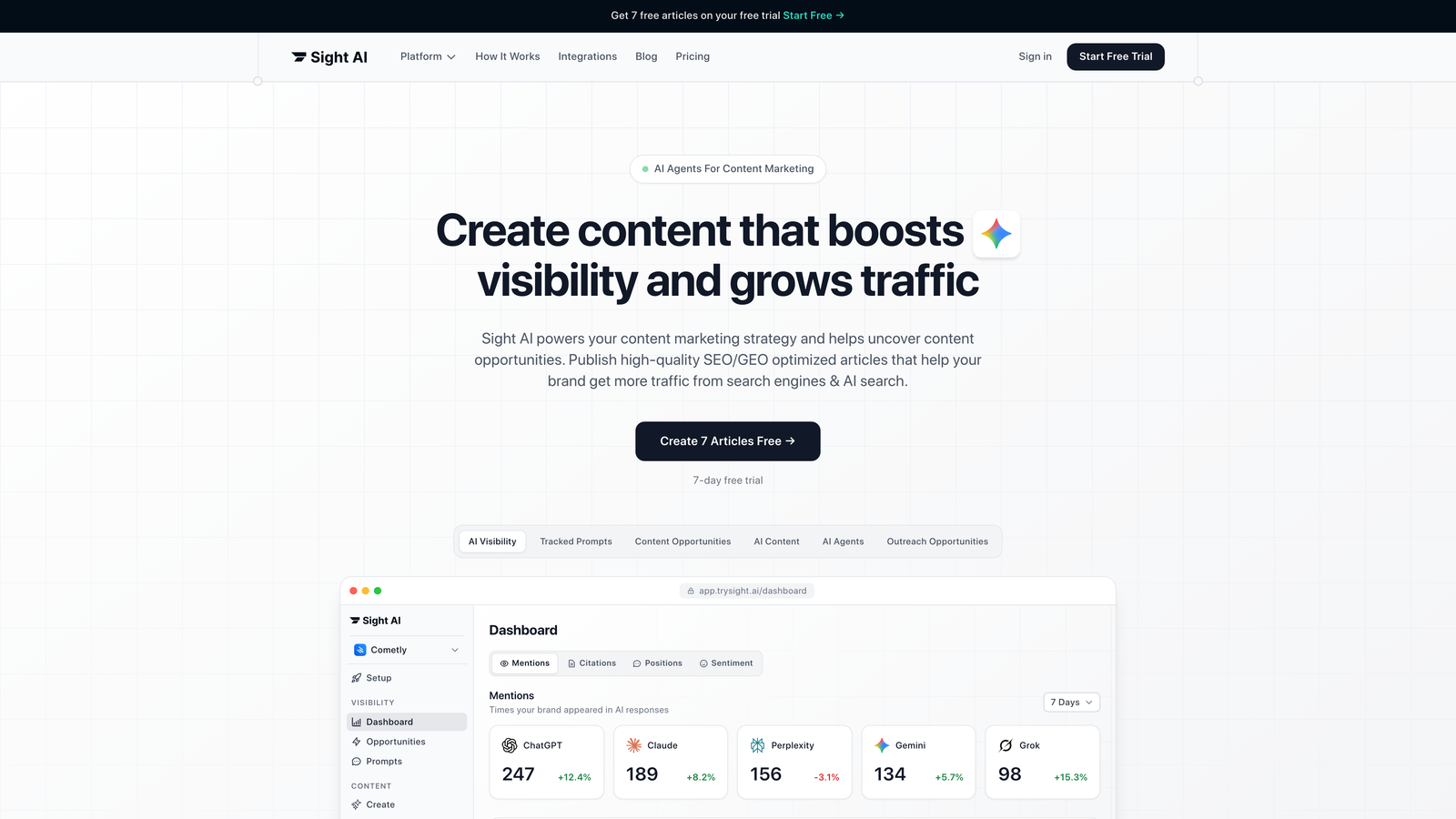
Sight AI is an AI-powered SEO platform that combines content generation, AI visibility tracking, and automatic indexing with IndexNow integration.
Where This Tool Shines
Sight AI builds indexing directly into content creation. When you publish an article through the platform, it submits the URL to search engines via IndexNow and updates your sitemap automatically.
The platform's 13+ AI agents generate SEO- and GEO-optimized content. The content is designed to rank in traditional search and to be mentioned by AI models such as ChatGPT, Claude, and Perplexity.
Key Features
IndexNow Integration: Submits new content to participating search engines the moment you publish, so you do not have to wait for a scheduled crawl.
Automated Sitemap Updates: Your XML sitemap refreshes with each new piece of content.
AI Visibility Tracking: Monitors how ChatGPT, Claude, and Perplexity mention your brand, alongside traditional SEO data.
13+ Specialized AI Agents: Generate listicles, guides, and explainers. Autopilot Mode handles content production without manual steps.
CMS Auto-Publishing: Publishes directly to your website with indexing built in, so creation and submission happen in one workflow.
Best For
Marketing teams and agencies that want content production and indexing in one platform. It is especially useful for brands that track their presence in AI-generated answers as well as in traditional search.
Pricing
See the Sight AI website for current pricing plans by team size and content volume.
2. Screaming Frog SEO Spider
Best for: Technical SEO audits and identifying indexing issues at scale
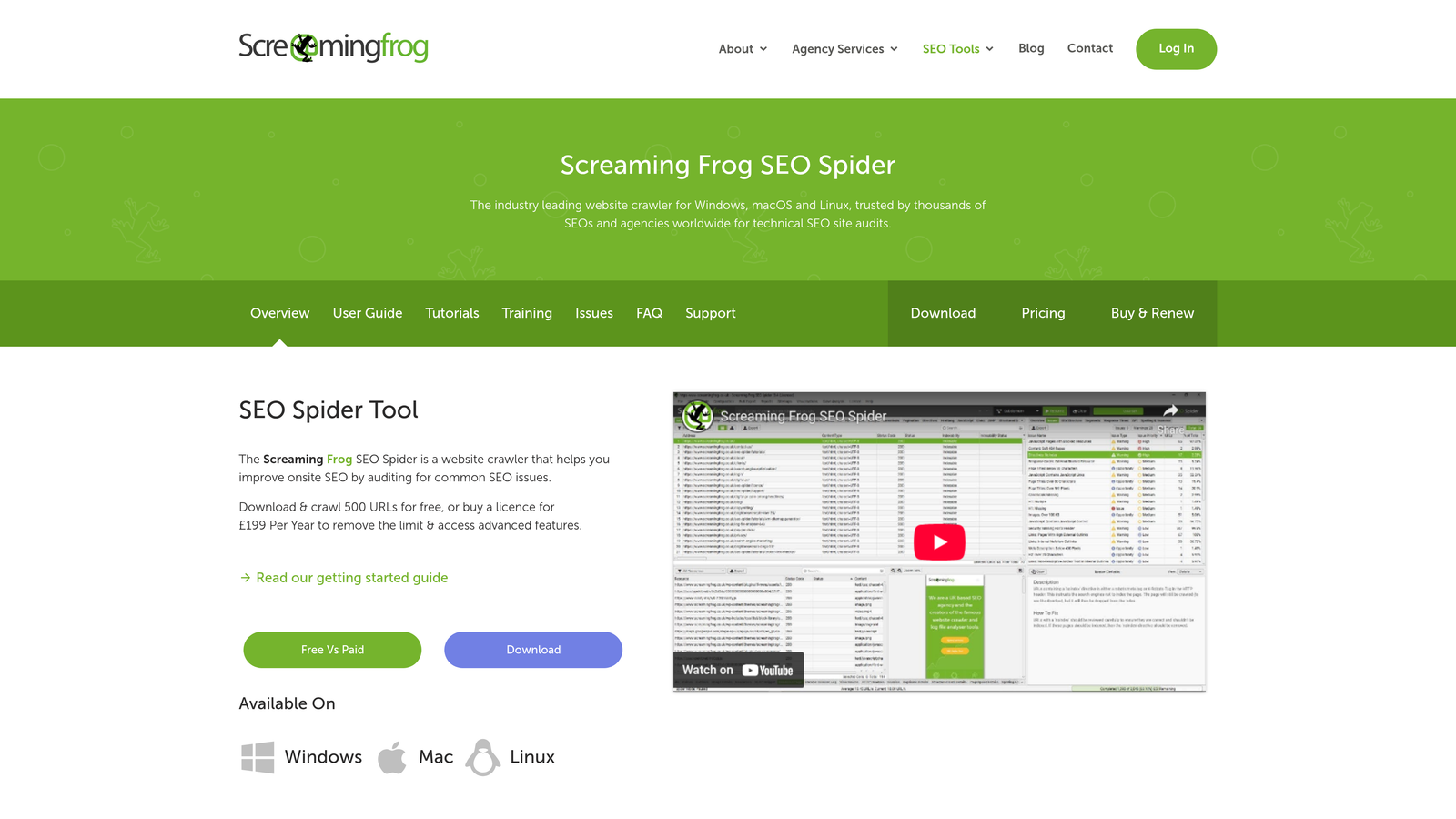
Screaming Frog SEO Spider is an industry-standard desktop crawler for technical SEO audits and for finding indexing issues at scale.
Where This Tool Shines
Screaming Frog crawls your site the way a search engine does. It surfaces indexing blockers that are easy to miss, such as noindex tags buried in template code, redirect chains, and canonical conflicts.
The desktop application gives you full control over crawl settings. Its reports can be filtered, sorted, and exported to CSV or Google Sheets, and it can feed Looker Studio for scheduled crawl reporting.
Key Features
Comprehensive Crawling: Crawl up to 500 URLs free, or an unlimited number with a license.
Indexability Analysis: Flags noindex tags, canonical issues, and redirect problems that prevent indexing.
XML Sitemap Generation: Builds sitemaps from crawl data, so you submit only indexable URLs.
Search Console Integration: Connects to Google Analytics, Search Console, and the URL Inspection API. This shows Google's coverage status for each crawled URL. The URL Inspection API is limited to 2,000 requests per property per day.
JavaScript Rendering: Renders JavaScript-heavy sites so you see what search engines index, not just the initial HTML.
Best For
Technical SEO specialists, agencies running site audits, and developers troubleshooting crawl issues. The learning curve is steeper than cloud tools, but the depth of analysis is worth it for serious practitioners.
Pricing
Free up to 500 URLs; £199 per year for a full license with unlimited crawling.
3. Ahrefs
Best for: All-in-one SEO suite with powerful site audit capabilities that identify indexing blockers
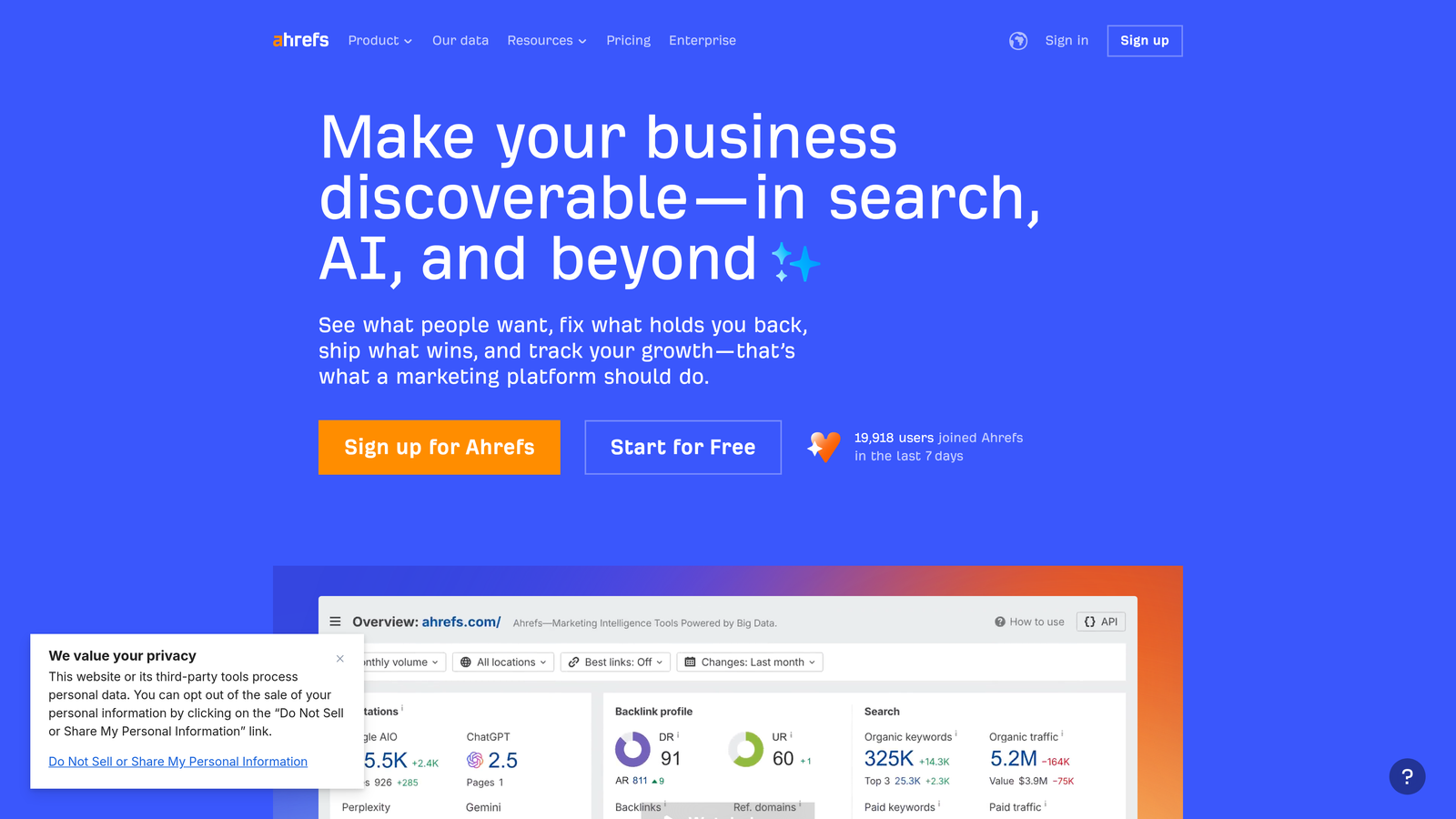
Ahrefs is a comprehensive SEO suite whose site audit identifies indexing blockers and crawl issues.
Where This Tool Shines
Ahrefs built its reputation on backlink analysis, but its Site Audit is now just as useful for indexing diagnostics. It re-crawls your site on a schedule you set, tracks changes over time, and alerts you when new issues appear.
Ahrefs also ties indexing data to the rest of your SEO data. You can see pages with indexing problems next to their backlinks, organic keywords, and traffic potential, which helps you decide what to fix first. Site Audit can also submit changed URLs through IndexNow.
Key Features
Site Audit with Health Scoring: Technical audits that score overall site health and rank issues by severity.
Automatic Re-Crawls: Scheduled crawls catch new issues before they affect rankings.
Internal Linking Analysis: Finds orphan pages and internal linking opportunities.
Massive Backlink Index: Lets you cross-reference indexing problems with link equity.
Content Explorer: Topic research and content gap analysis.
Best For
SEO teams that want keyword research, backlink analysis, and technical audits in one platform.
Pricing
Starts at $129 per month for the Lite plan. Higher tiers add crawl credits and user seats.
4. Semrush
Best for: All-in-one marketing platform with direct Google Search Console integration for index monitoring
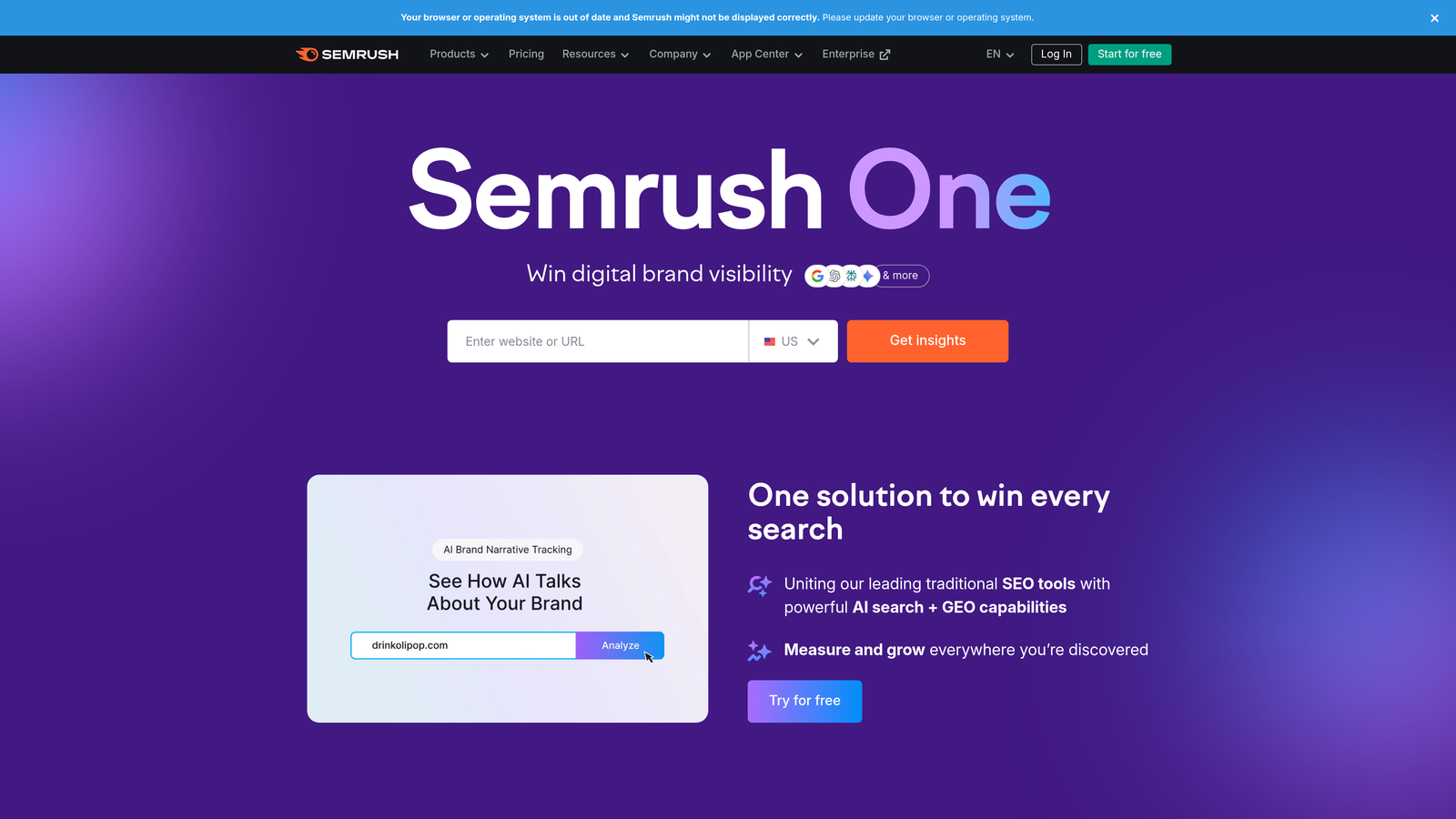
Semrush is an all-in-one marketing platform with robust site audit tools and direct Google Search Console integration.
Where This Tool Shines
Semrush links technical SEO data to actual search performance through its Google Search Console integration. Its Site Audit runs 140+ checks, including indexability. For agencies, white-label reports and Looker Studio connectors make it easier to explain indexing issues to stakeholders.
Key Features
Site Audit with 140+ Checks: Covers indexability, crawlability, site speed, and mobile issues in one automated scan.
Google Search Console Integration: Compares the URLs you submit with what Google reports.
Log File Analyzer: Shows how search engine bots actually crawl your site.
Position Tracking: Monitors rankings for the pages you care about.
On-Page SEO Checker: Gives page-level recommendations.
Best For
Marketing teams and agencies that need technical SEO, content, PPC, and social tools in one platform.
Pricing
Starts at $139.95 per month for the Pro plan. Guru and Business tiers serve larger teams.
5. Yoast SEO
Best for: WordPress users wanting automatic XML sitemaps and IndexNow support without technical complexity
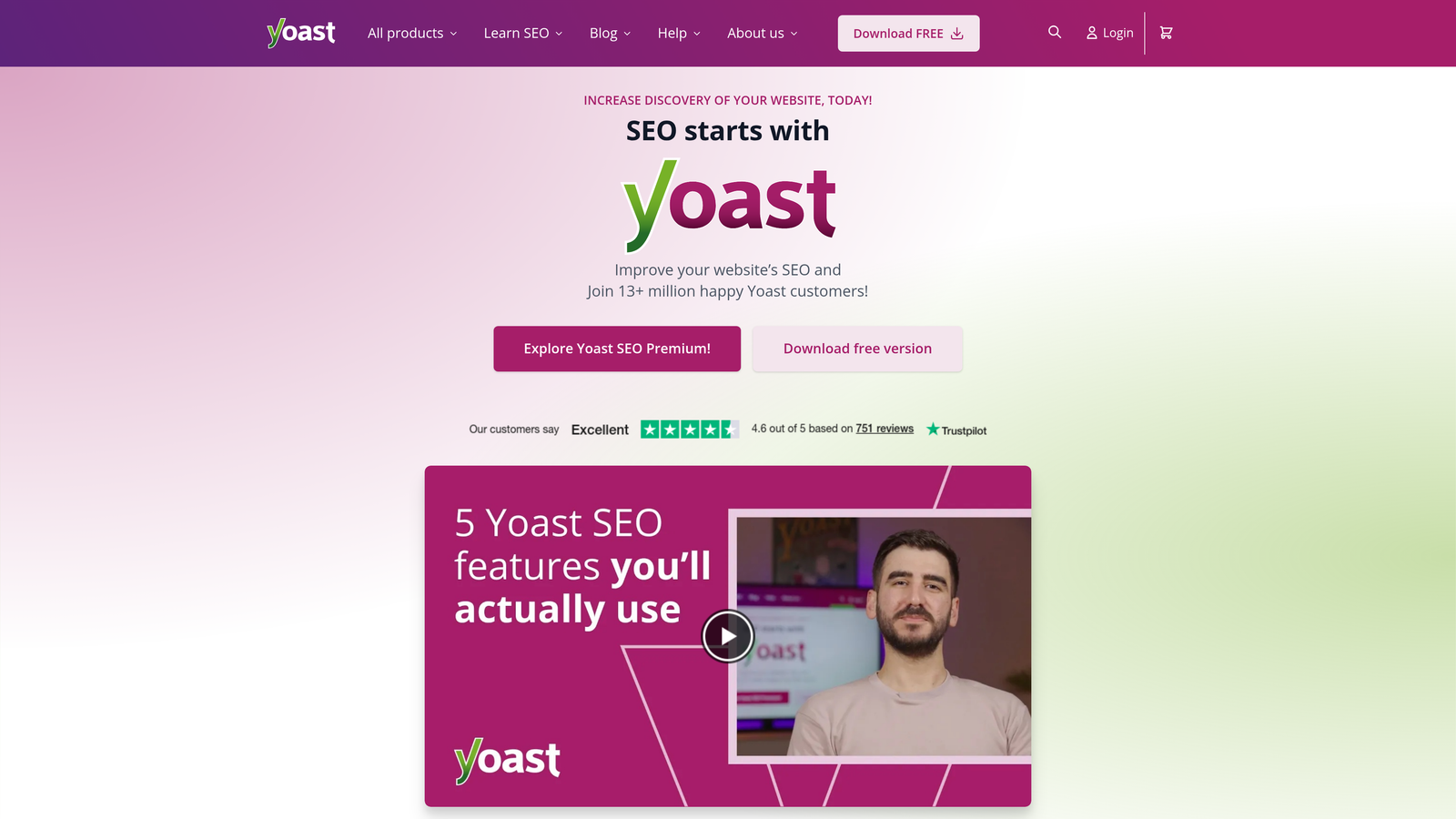
Yoast SEO is a WordPress plugin that simplifies technical SEO with automatic XML sitemaps and IndexNow support.
Where This Tool Shines
Yoast makes technical SEO accessible to non-technical users. It generates XML sitemaps automatically and updates them whenever you publish or edit content. Yoast SEO Premium adds IndexNow, which pings participating search engines whenever content changes.
Key Features
Automatic XML Sitemap Generation: Filters out non-indexable content types.
IndexNow Integration (Premium): Submits content changes automatically.
Robots.txt and .htaccess Editor: Lets you edit both files with safeguards against accidentally blocking your whole site.
Canonical URL Management: Sets canonical tags automatically.
Breadcrumb Schema Markup: Adds structured data that describes your site structure.
Best For
WordPress bloggers, small businesses, and content creators who want indexing automation they can set up once and leave running.
Pricing
Free version available; Premium costs $99 per year per site.
6. Rank Math
Best for: WordPress power users wanting advanced indexing controls and instant indexing API support
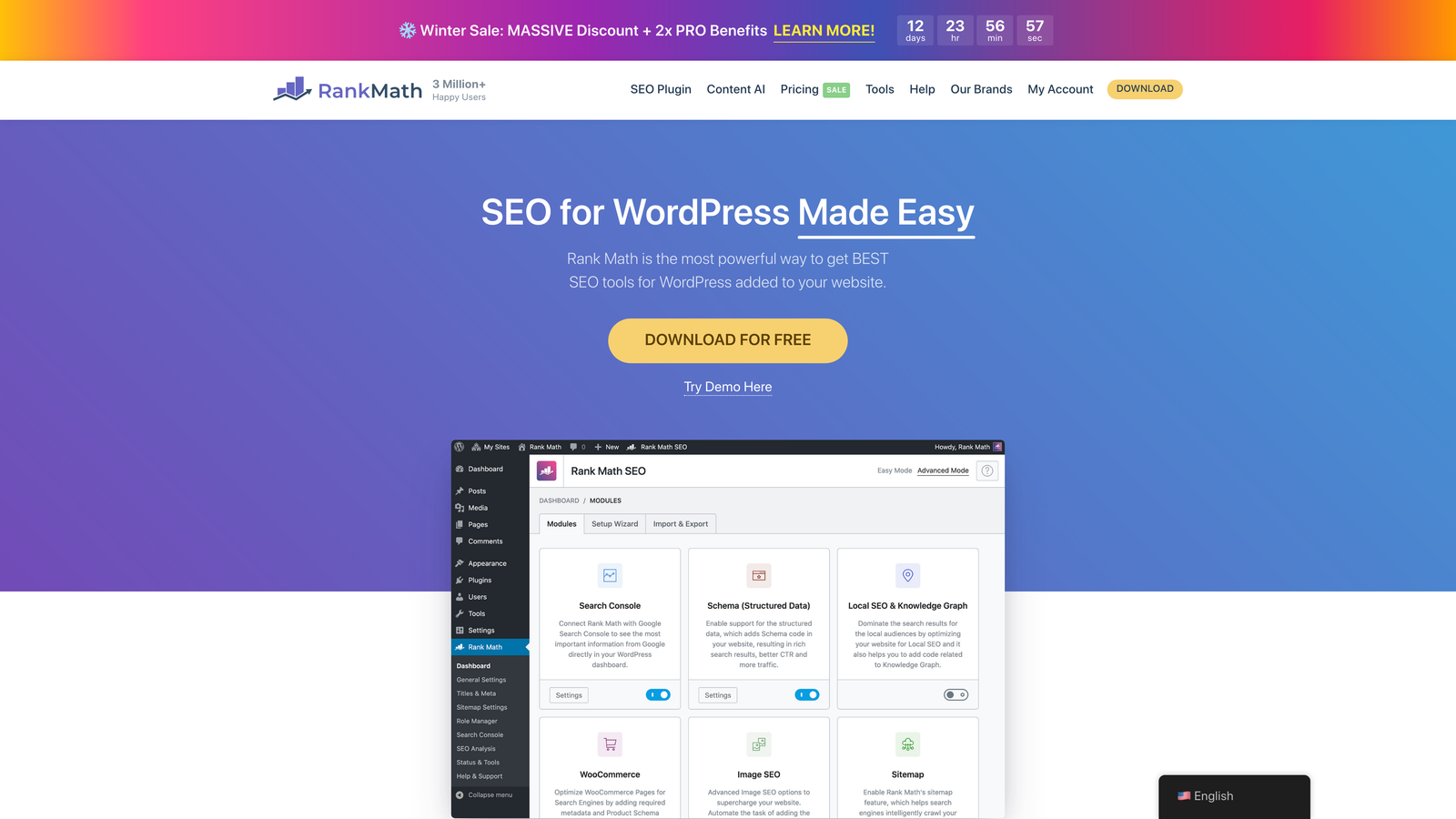
Rank Math is a feature-rich WordPress SEO plugin with advanced indexing controls and instant indexing support.
Where This Tool Shines
Rank Math's Instant Indexing module submits URLs through IndexNow. Its companion plugin can also call Google's Indexing API. Keep in mind that Google officially supports the Indexing API only for pages with JobPosting or BroadcastEvent markup. For regular articles, rely on sitemaps and internal links for Google, and on IndexNow for Bing and the other participating engines.
Its per-post robots meta controls let you fine-tune what gets indexed without editing templates.
Key Features
Instant Indexing: IndexNow submission, plus optional Google Indexing API integration.
Advanced Robots Meta Controls: Set directives per post, taxonomy, and custom post type.
Auto-Generated XML Sitemaps: Large sitemaps are split automatically.
404 Monitor and Redirections: Fix broken URLs that waste crawl budget.
Google Search Console Integration: Shows index status and performance data inside WordPress.
Best For
WordPress developers and SEO professionals who want maximum control at a low cost.
Pricing
Free version available with extensive features. Pro is billed annually at a few dollars per month; check Rank Math for current rates.
7. Botify
Best for: Enterprise sites optimizing crawl budget and analyzing log files at massive scale
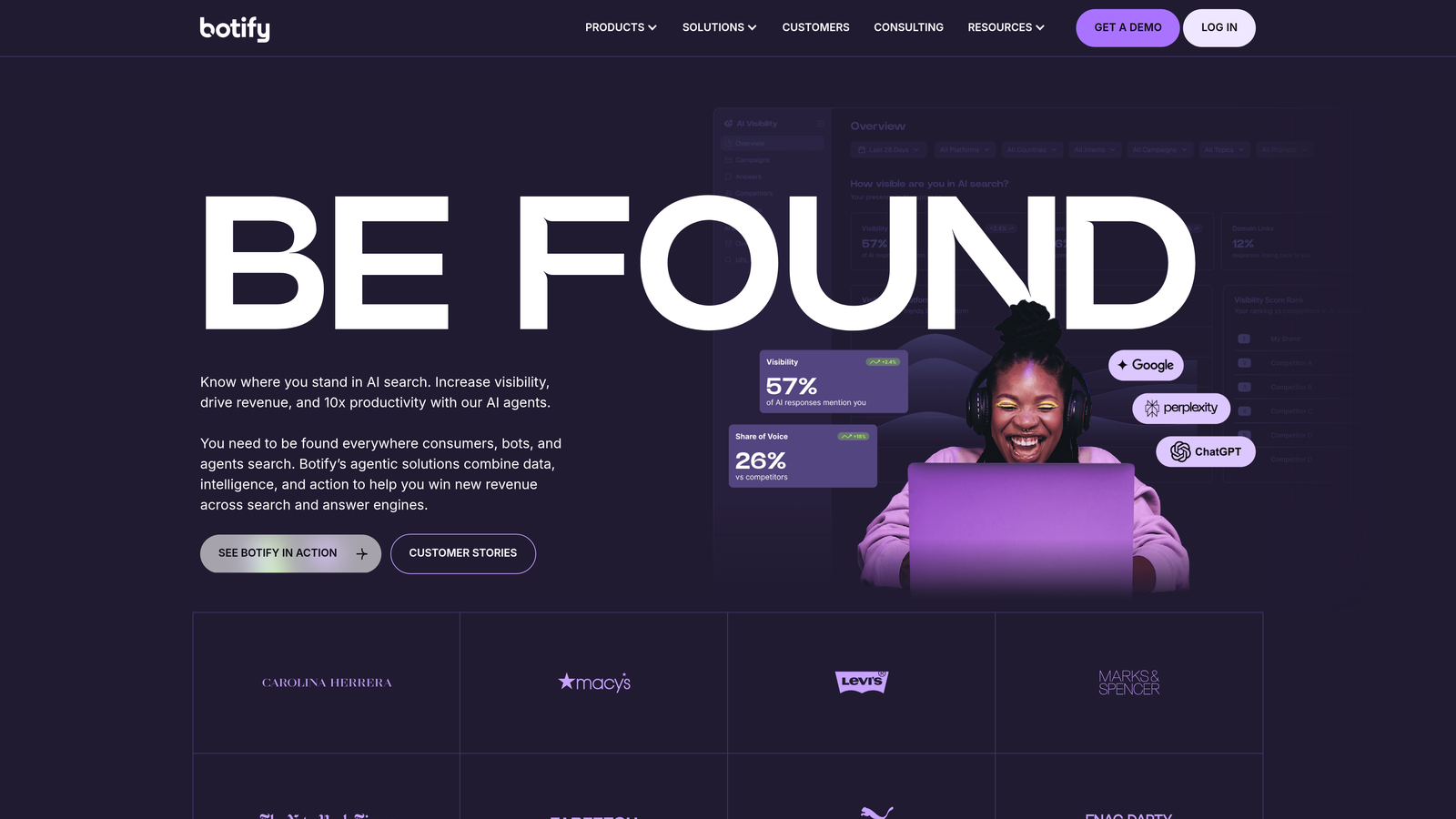
Botify is an enterprise SEO platform specializing in crawl budget optimization and log file analysis.
Where This Tool Shines
Botify is built for sites with hundreds of thousands or millions of URLs, where crawl budget is a real constraint. Its log analysis shows which pages bots prioritize and which they ignore. It also shows where bots waste crawl on faceted navigation or session parameters.
Key Features
Log File Analysis: Detailed view of Googlebot behavior.
Crawl Budget Optimization: Recommendations for moving crawl activity onto your priority pages.
JavaScript Crawling and Rendering: Audits pages as rendered, not just as raw HTML.
Indexing Insights: Combines crawl, log, and Search Console data.
Enterprise API and Data Exports: Feed data into BI warehouses and custom dashboards.
Best For
Large e-commerce sites, publishers, and enterprises.
Pricing
Custom enterprise pricing.
8. ContentKing (Conductor Website Monitoring)
Best for: Real-time monitoring that alerts on indexability changes 24/7
ContentKing is a real-time SEO monitoring platform. It was acquired by Conductor and is now sold as Conductor Website Monitoring.
Where This Tool Shines
ContentKing monitors your site continuously instead of running scheduled audits. It detects problems such as an accidental noindex or a sitewide canonical change within minutes, and it keeps a full change history.
Key Features
24/7 Real-Time Monitoring: Detects changes within minutes.
Instant Alerts: Sends notifications via email or Slack.
Change Tracking and Audit Trail: Shows when and how each issue was introduced.
Multi-Site Dashboard: Built for agencies monitoring many sites.
Integrations: Connects to Slack and Search Console, and offers API access for reporting.
Best For
Agencies, large organizations that release site changes frequently, and e-commerce sites.
Pricing
Now quoted through Conductor. Pricing scales with the number of monitored pages; contact Conductor for current rates.
9. Sitebulb
Best for: Visual analysis tools that make indexing issues easy to understand and prioritize
Sitebulb is a crawler with visual analysis tools that make indexing issues easy to understand. It is available as a desktop app and as Sitebulb Cloud.
Where This Tool Shines
Sitebulb presents findings as crawl maps and prioritized Hints that explain why each issue matters and how to fix it. Its presentation-ready PDF reports work well for client and stakeholder communication.
Key Features
Visual Crawl Maps: Show site structure and linking patterns.
Prioritized Hints: Plain-language explanations ranked by impact.
Indexability Analysis: Reviews directives, canonicals, and Search Console data together.
PDF and CSV Export: Client-ready reports and raw data.
JavaScript Rendering Support: Audits pages as search engines render them.
Best For
Agencies and consultants who need to communicate findings to clients, and anyone who prefers visual analysis over spreadsheets.
Pricing
Starts at $13.50 per month for Lite and $35 per month for Pro (desktop). Cloud plans are priced separately.
Indexing feature comparison
| Tool | Push submission | Sitemap automation | GSC indexing data | Monitoring | Export / BI |
|---|---|---|---|---|---|
| Sight AI | IndexNow on publish | Yes | Search analytics | AI visibility | Dashboard |
| Screaming Frog | No | Generated from crawl | URL Inspection API | Scheduled crawls | CSV, Sheets, Looker Studio |
| Ahrefs | IndexNow | No | GSC connection | Scheduled audits | CSV, API |
| Semrush | No | No | GSC connection | Scheduled audits | CSV, Looker Studio, API |
| Yoast SEO | IndexNow (Premium) | Yes | No | No | No |
| Rank Math | IndexNow, Indexing API | Yes | In WordPress | 404 monitor | Limited |
| Botify | Enterprise options | Analysis | Yes | Logs + crawls | API, warehouse exports |
| ContentKing | No | Monitors sitemaps | Yes | Real-time | API |
| Sitebulb | No | Audits sitemaps | Yes | Scheduled (Cloud) | CSV, PDF |
For a broader look at crawler-focused tools, see our comparison of website crawling and indexing tools.
Making the Right Choice
The right SEO software with indexing features depends on your workflow and scale. For AI-powered content creation with indexing built into publishing, Sight AI offers the most streamlined approach: you create content and it handles submission automatically.
Technical SEOs auditing large sites will find Screaming Frog or Sitebulb indispensable. WordPress users should consider Yoast or Rank Math for their native integrations. Enterprise teams managing crawl budget benefit most from Botify's log analysis.
For all-in-one suites, Ahrefs and Semrush remain industry standards. ContentKing fills the niche of real-time alerts across many properties.
Start with your primary pain point:
- If new content is slow to get indexed, prioritize IndexNow and automated submission. Our guide to implementing IndexNow on your website covers the setup.
- If pages are published but not ranking, use a technical crawler to find hidden blockers.
- If you need to catch problems before traffic drops, use a real-time monitoring platform.
Frequently asked questions
What features should SEO software have for indexing?
Look for five features: push submission via IndexNow, automatic XML sitemap updates, crawl-based indexability checks for noindex, canonical, redirect and robots.txt issues, Search Console integration that shows Google's exclusion reasons, and alerts when those signals change. Few tools do all five well, so most teams pair a crawler with either a CMS plugin or a publishing platform that handles submission. The criteria section near the top of this article explains each one.
Which site audit tools connect to Google Search Console and export to BI tools?
Screaming Frog pulls URL Inspection data and exports to Google Sheets and Looker Studio. Semrush offers Looker Studio connectors and an API. Botify supports API access and data warehouse exports at enterprise scale. Sitebulb and ContentKing combine GSC data with crawl findings and export to CSV or API. The comparison table above summarizes the options.
Does IndexNow work with Google?
No. Google does not participate in IndexNow. The protocol notifies Bing, Yandex, Seznam, Naver and other participating engines, and those engines share submissions with each other. For Google, rely on accurate XML sitemaps, strong internal linking and Search Console. Google's Indexing API is officially limited to job posting and livestream pages, so treat any tool that promises instant Google indexing for ordinary articles with caution.
Can SEO software guarantee my pages get indexed?
No. Submission tools speed up discovery, but search engines still decide whether a page is worth indexing based on quality, duplication and site signals. If Search Console reports "Crawled – currently not indexed", the fix is usually better content, consolidating duplicate pages or stronger internal links, not repeated resubmission.
The indexing landscape keeps changing as search engines adopt new protocols and AI search changes how content is discovered. Start tracking your AI visibility today and see exactly where your brand appears across top AI platforms, while making sure your content gets indexed efficiently in traditional search engines.